Raycast AI Extensions

This kind of feature is exactly why I’m so glad I started using Raycast a few years ago.

I do wish it supported natural language input without needing extra syntax, but even as it stands, it’s helped me cut down on the mental overhead of remembering the right keywords—something that’s often necessary with launcher apps, especially when you’ve integrated them with a lot of other tools.

Communication and Collaboration Apps For Music Teams – OMEA 2025

CleanShot 2025-02-07 at 11.52.20@2x.

I am thrilled to be presenting four sessions at the Ohio Music Educators Association Professional Development Conference this weekend! My third session focuses on communication and collaboration apps for music teams.

If you’d like to attend, the session is on February 8 at 9:30 AM. If you’re already here or have attended, thank you for coming!

This post serves as a resource for session notes, including links to the primary tools I mention, and a complimentary podcast episode.

Complimentary Podcast Episode:

Where to Find Me

Subscribe to the Blog…RSS**** | Email Newsletter

Subscribe to the Podcast in…Apple Podcasts**** | Overcast | Castro | Spotify | RSS

Support My Work

Become a Patron!

Buy me a coffee

Links to Things Mentioned in the Session

Image.png

Image.png

Image.png

Image.png

Image.png

Image.png

Image.png

Image.png

Image.png

Image.png

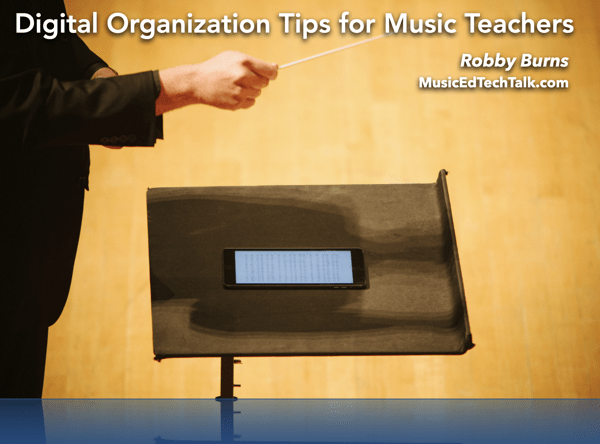
Digital Organization Tips for Music Teachers – OMEA 2025

CleanShot 2025-02-05 at 15.26.07@2x.

I am thrilled to be presenting four sessions at the Ohio Music Educators Association Professional Development Conference this weekend! My first session focuses on getting digitally organized in the music classroom.

If you’d like to attend, the session is on February 7 at 9:30 AM. If you’re already here or have attended, thank you for coming!

This post serves as a resource for session notes, including links to the primary tools I mention and a complimentary podcast episode.

Subscribe to the Blog…
RSS | Email Newsletter

Subscribe to the Podcast in…
Apple Podcasts | Overcast | Castro | Spotify | RSS

Support Music Ed Tech Talk

Become a Patron!

Buy me a coffeeBuy me a coffee

Show Notes:

Please don’t forget to rate the show and share it with others!

Digital Organization Tips for Music Teachers, Revisited

I will be presenting a session at the NJMEA Conference this week titled Digital Organization Tips for Music Teachers. In preparation for this presentation, I have revisited this topic on my podcast with similar content to make it quickly accessible in the feed for attendees of the session.

Subscribe to the Blog…
RSS | Email Newsletter

Subscribe to the Podcast in…
Apple Podcasts | Overcast | Castro | Spotify | RSS

Support Music Ed Tech Talk

Become a Patron!

.bmc-button img{height: 34px !important;width: 35px !important;margin-bottom: 1px !important;box-shadow: none !important;border: none !important;vertical-align: middle !important;}.bmc-button{padding: 7px 15px 7px 10px !important;line-height: 35px !important;height:51px !important;text-decoration: none !important;display:inline-flex !important;color:#ffffff !important;background-color:#000000 !important;border-radius: 5px !important;border: 1px solid transparent !important;padding: 7px 15px 7px 10px !important;font-size: 20px !important;letter-spacing:0.6px !important;box-shadow: 0px 1px 2px rgba(190, 190, 190, 0.5) !important;-webkit-box-shadow: 0px 1px 2px 2px rgba(190, 190, 190, 0.5) !important;margin: 0 auto !important;font-family:'Arial', cursive !important;-webkit-box-sizing: border-box !important;box-sizing: border-box !important;}.bmc-button:hover, .bmc-button:active, .bmc-button:focus {-webkit-box-shadow: 0px 1px 2px 2px rgba(190, 190, 190, 0.5) !important;text-decoration: none !important;box-shadow: 0px 1px 2px 2px rgba(190, 190, 190, 0.5) !important;opacity: 0.85 !important;color:#ffffff !important;}Buy me a coffeeBuy me a coffee

Thanks to my sponsors this month, Scale Exercise Play Along Tracks.

Show Notes:

Please don’t forget to rate the show and share it with others!

Building a Second (Music Teacher) Brain, with Dr. Cory Meals

Dr. Cory Meals joins the show to talk about building a second brain, personal knowledge management apps, and how to keep it all together!

Subscribe to the Blog…
RSS | Email Newsletter

Subscribe to the Podcast in…
Apple Podcasts | Overcast | Castro | Spotify | RSS

Support Music Ed Tech Talk

Become a Patron!

.bmc-button img{height: 34px !important;width: 35px !important;margin-bottom: 1px !important;box-shadow: none !important;border: none !important;vertical-align: middle !important;}.bmc-button{padding: 7px 15px 7px 10px !important;line-height: 35px !important;height:51px !important;text-decoration: none !important;display:inline-flex !important;color:#ffffff !important;background-color:#000000 !important;border-radius: 5px !important;border: 1px solid transparent !important;padding: 7px 15px 7px 10px !important;font-size: 20px !important;letter-spacing:0.6px !important;box-shadow: 0px 1px 2px rgba(190, 190, 190, 0.5) !important;-webkit-box-shadow: 0px 1px 2px 2px rgba(190, 190, 190, 0.5) !important;margin: 0 auto !important;font-family:'Arial', cursive !important;-webkit-box-sizing: border-box !important;box-sizing: border-box !important;}.bmc-button:hover, .bmc-button:active, .bmc-button:focus {-webkit-box-shadow: 0px 1px 2px 2px rgba(190, 190, 190, 0.5) !important;text-decoration: none !important;box-shadow: 0px 1px 2px 2px rgba(190, 190, 190, 0.5) !important;opacity: 0.85 !important;color:#ffffff !important;}Buy me a coffeeBuy me a coffee

Thanks to my sponsors this month, Scale Exercise Play-Along Tracks.

Show Notes:

Other Recommendations from Cory, not mentioned in the episode:

App of the Week:

Music of the Week:

Where to Find Us:

Please don’t forget to rate the show and share it with others!

Reflections on the Drafts app, and their 10 Year Anniversary

One of my favorite and most depended-on apps of the past decade has been Drafts.

Developer Greg Pierce (who you can hear on this podcast episode) recently celebrated the 10 year anniversary of Drafts. I strongly recommend you check it out, even if you just use the free version.

In preparation the anniversary, Greg asked me if I could write some words about my experiences with Drafts. He featured some of my words in this promotional post, but you can read all of them below…

I remember a long road trip with my wife back in the spring of 2011. It was my turn to drive, and I was listening to the Mac Power Users to help engage my mind and stay awake. The hosts mentioned an app called Drafts that could take my spontaneous thoughts, organize them, and powerfully act on them later.

I was intrigued! When my wife took the wheel, I downloaded it immediately and began poking around. Never before had the utility of an app become so quickly apparent to me.

Of the many professional domains I juggle, my job as a middle school band director alone requires me to manage a lot of responsibility. I have to be a master teacher, performer, arranger, composer, conductor, data clerk, fundraiser, field trip planner, and more. During class, I am often managing the needs of 60 or more students in a room at once while trying to be a professional at all of those other things. Being able to tap the Drafts icon on my dock and quickly enter any thought that enters into my mind has been nothing short of life-changing. I used to be overwhelmed by my responsibilities, but through organization systems, and particularly Drafts, I have been able to take away the friction between the thoughts that grab my attention and what gets permanently saved in a computer. Drafts turns my devices into a second brain, and my rampant thoughts fade out of sight, out of mind.

The ability to perform actions on text is crucial for determining where a draft goes. Is it a message? A calendar event? A note? Task? Most of my Drafts become notes or tasks, and actions to save them as such come free with the app! But on top of this, the ability to design my own automations has made it easier to get thoughts out of drafts and into other apps on my devices, allowing me to be better organized FASTER, and to therefore have more free time to focus on the part of my job that matters: making awesome music, and connecting with my amazing students.

I love Drafts so much that I recommend it to everyone I know. I mentioned it in my book Digital Organization Tips for Music Teachers, I have interviewed developer Greg on my podcast and even once bought it for all of my administrators at my school as a holiday gift. It is really worth a try, whoever you are. Drafts is simple enough to be a no-nonsense, minimalist, note-taking app for the masses while remaining customizable enough that nerds can build their own tool with it. As an educator, I appreciate experiences with low floors and high ceilings. And Drafts is exactly that.

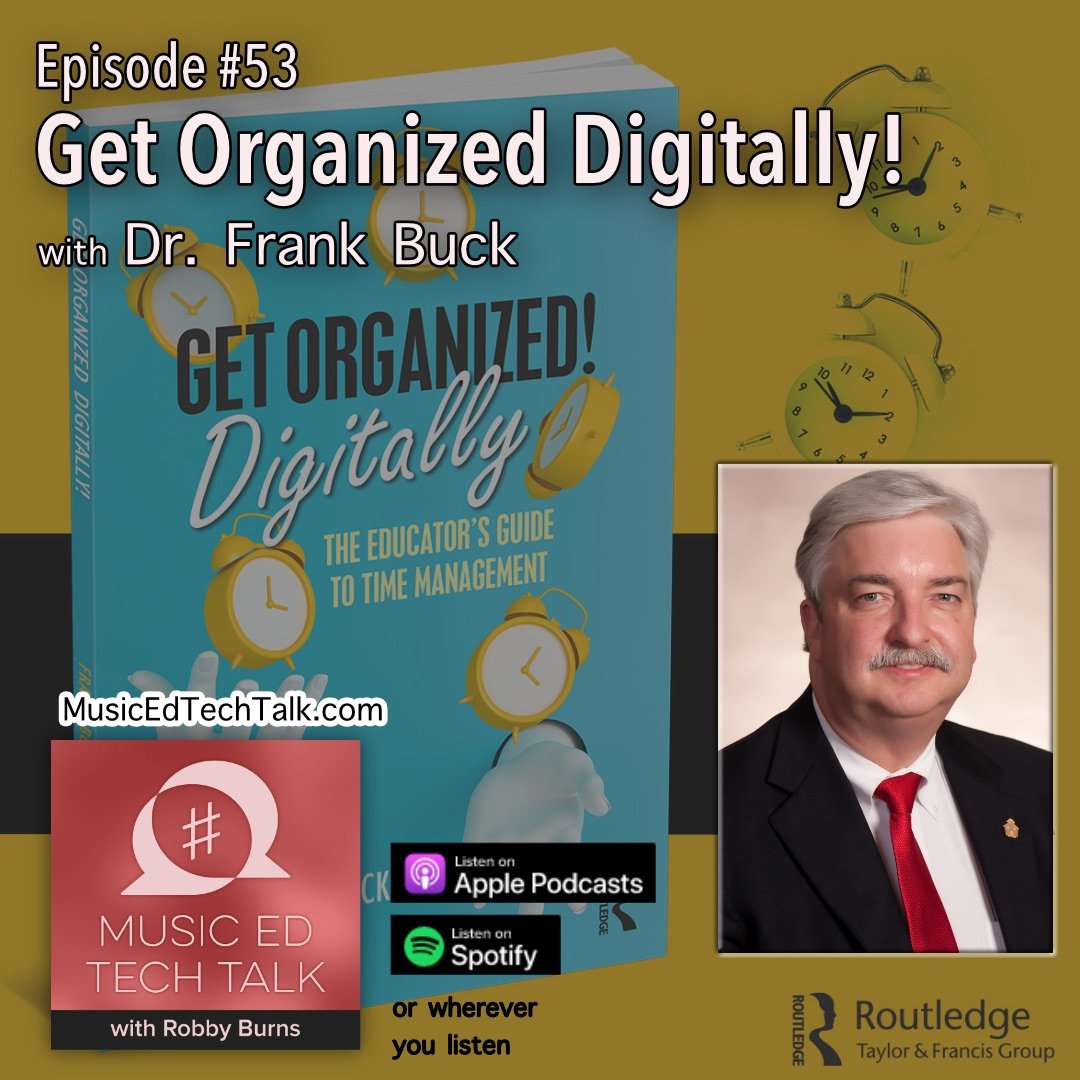
#53 – Get Organized Digitally! with Dr. Frank Buck

Dr. Frank Buck returns to the show to talk about digital productivity and his new book Get Organized Digitally!

Subscribe to the Blog…
RSS | Email Newsletter

Subscribe to the Podcast in…
Apple Podcasts | Overcast | Castro | Spotify | RSS

Support Music Ed Tech Talk

Become a Patron!

.bmc-button img{height: 34px !important;width: 35px !important;margin-bottom: 1px !important;box-shadow: none !important;border: none !important;vertical-align: middle !important;}.bmc-button{padding: 7px 15px 7px 10px !important;line-height: 35px !important;height:51px !important;text-decoration: none !important;display:inline-flex !important;color:#ffffff !important;background-color:#000000 !important;border-radius: 5px !important;border: 1px solid transparent !important;padding: 7px 15px 7px 10px !important;font-size: 20px !important;letter-spacing:0.6px !important;box-shadow: 0px 1px 2px rgba(190, 190, 190, 0.5) !important;-webkit-box-shadow: 0px 1px 2px 2px rgba(190, 190, 190, 0.5) !important;margin: 0 auto !important;font-family:'Arial', cursive !important;-webkit-box-sizing: border-box !important;box-sizing: border-box !important;}.bmc-button:hover, .bmc-button:active, .bmc-button:focus {-webkit-box-shadow: 0px 1px 2px 2px rgba(190, 190, 190, 0.5) !important;text-decoration: none !important;box-shadow: 0px 1px 2px 2px rgba(190, 190, 190, 0.5) !important;opacity: 0.85 !important;color:#ffffff !important;}Buy me a coffeeBuy me a coffee

Thanks to my sponsors this month, Scale Exercise Play Along Tracks.

Show Notes:

App of the Week:
Robby – MaskerAide
Dr. Frank Buck – Google Lens

Music of the Week:
Robby – Gabriel Kahane: Magnificent Bird
Dr. Frank Buck – US Marine Band YouTube Channel

Tech Tip of the Week:
Robby – Quick Gif with Cleanshot
Dr. Frank Buck – Windows Clipboard History

Where to Find Us:
Robby – Twitter | Blog | Book
Dr. Frank Buck – Twitter | Website

Please don’t forget to rate the show and share it with others!

My favorite calendar app Fantastical releases version 3.6 with “openings” and “scheduling” features

My calendar app of choice, Fantastical, released version 3.6 this week.

Fantastical is an amazing calendar app that works with numerous calendar and task services and packs tons of powerful features in a graceful user interface.

The version adds some huge productivity boosts. My favorite of which is a feature called “Openings” which, if you have ever used the service Calendly, adds similar function right into the app.

By setting up a few quick templates, I can now quickly reschedule a private lesson with a parent by texting them a URL. I give Fantastical a window of time; it looks at the free time in between my calendar events and provides the parent with a website that prompts them to choose an available slot. Their chosen time is then added right to my calendar. It is going to help me save tons of time!

There is a video of this feature in action below, and you can read about all of the new features in 3.6 here.

Fantastical has an aggressive subscription price for the premium version, but updates like this make me feel glad I can fund their continued development.

Kanban Boards in Todoist

I am preparing two presentations for the Ohio Music Educators Association Professional Development Conference next month, and one of the sessions is on collaboration and communication apps for music teams.

As I prepare this session, I came across this blog post draft from a while back that I think could be helpful for those looking for a graphical way to think about their various teaching responsibilities…

You can now “visualize your workflow with Board view in Todoist” by testing the beta version on both iOS and the web. Read more here.

I am pretty committed to OmniFocus for personal project management. But I have always liked Todoist. Todoist is the service I recommend to most people for tasks. It is simple to use and has a free tier. And if you pay for the subscription, it is full of features almost all the features you could ask for from a to-do app. Its native apps are not as well-designed as Things or as powerful as OmniFocus, but they are good enough.

If you are the kind of visual thinker who prefers a board-style for project management, Todoist will now allow you to depict your projects and tasks in a drag-and-drop, card-style interface.

#48 – Holiday Special 2021, featuring Will Kuhn, Craig McClellan, David MacDonald, and Jon Tippens

Friends of the show join to answer burning questions about music, education, and technology in 2021 (and beyond).

Patreon subscribers get some extra discussion about Dune and Foundation.

Subscribe to the Blog…

RSS | Email Newsletter

Subscribe to the Podcast in…

Apple Podcasts | Overcast | Castro | Spotify | RSS

Support Music Ed Tech Talk

Become a Patron!

Buy me a coffee

Show Notes:

Album of the Year – Nate Smith: Kinfolk 2 | Stevie Wonder: Talking Book | Magdalena Bay: Murcurial World | John Mayer: Sob Rock | Cory Wong and Dirty Loops: Turbo

App of the Year – Obsidian | Fin Timer | OP-Z App | Pixelmator Photo | Molskine Actions

Tech Tip of the Year – Focus Modes (some discussion about how I am using these on episode 44 of this show) | camelcamelcamel.com | Use OBS for everything | Feedbin | Press and hold the spacebar on iOS to move your cursor around

Please don’t forget to rate the show and share it with others!