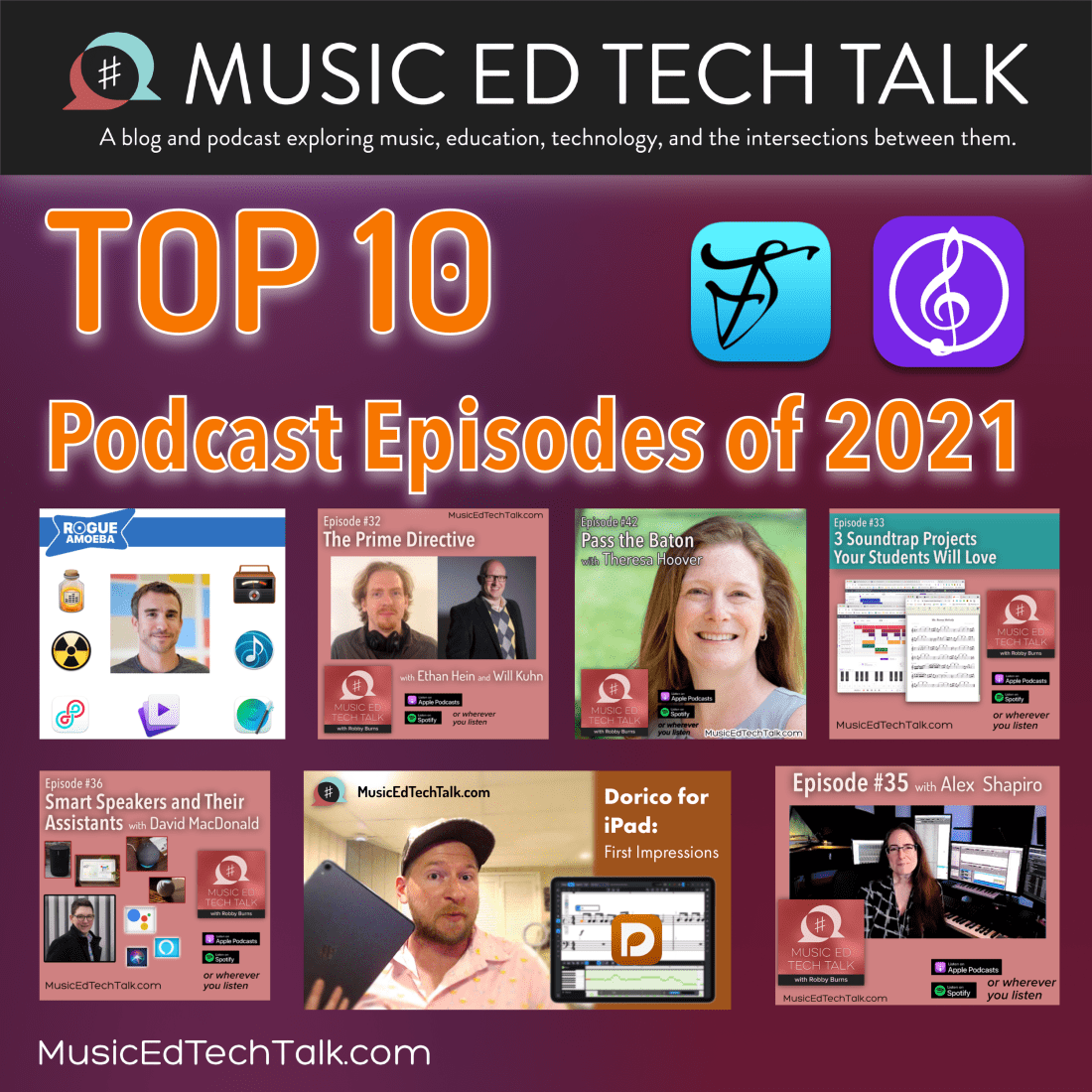
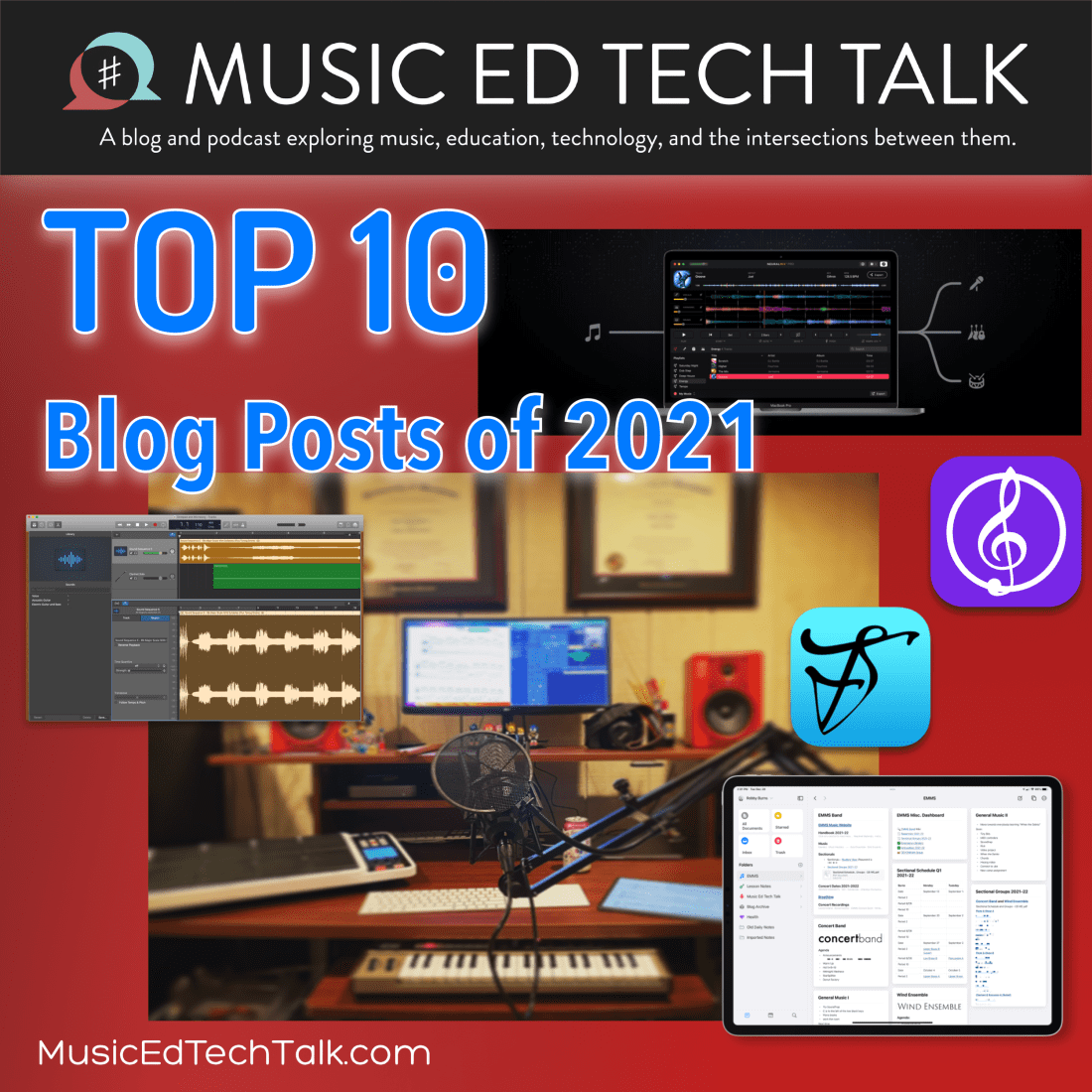
Yesterday, I posted my top 10 blog posts written in 2021. Today, I thought I would share the most popular podcast episodes I published.
Note: everyone uses different podcast players, so I have linked to the show notes/blog posts that accompany many of these episodes. A few of them will require you to scroll down for the playback controls. Or, of course, you could subscribe to the show! (Don’t forget to leave me that sweet 5 star review if you are on Apple Podcasts, it really does help!)
Though not a blog post, My Favorite Technology continues to be one of the most popular pages of robbyburns.com. It contains a list of my most depended on hardware, software, and services.
I am delighted to join the iPad Pros Podcast again, this time to talk about how I use the iPad to teach middle school band and run my private teaching studio.
Christopher Bill joins the show to talk about the musicianship, hardware, software, and creative process behind his viral YouTube channel, Classical Trombone.
The post below first appeared on the Noteflight blog on November 11th, 2021. You can read it there by clicking here or continue on below.
Two important parts of teaching include:
Sequencing learning so that students how to go from point A to point B.
Doing it in a way that they understand how new skills fit into broader musical contexts.
As a band director who also teaches general music, I have always been confident in my ability to connect these dots in performing ensembles, and less so in general music classes. This year, I am determined to rectify that using new technologies in combination with traditional instruments.
Historically, my school district’s general music curriculum has been categorized into four “strands:”
Drumming
Piano performance
Guitar performance
Technology
Last year, we began using Noteflight and Soundtrap to engage students with virtual music making. This year, we returned to in-person instruction and replaced our guitars with ukuleles, making chord strumming (and therefore an understanding of harmonic accompaniment) accessible earlier on in the learning sequence.
Moving into this year, I knew it was important that I leverage new technology in combination with traditional instrumental performance skills to create bigger musical connections.
My General Music II class, made up of 8th graders, is currently working on an assignment that leverages composition, recording, producing, ukulele performance, and harmonic understanding.
We start in Noteflight by composing an eight measure melody in C major. This is their first notation project of the year so directions and restrictions are fairly loose. Students are limited to certain rhythmic durations that I have taught them on drums but are otherwise free to experiment with their melody.
A blank eight measure Noteflight score is set as a template and linked to an assignment in my district’s Learning Management System, Canvas. Once students launch Noteflight as an external tool, they are taken immediately to the score depicted above, where they can begin editing, and submit their work in one click. In an LMS like Canvas, I am able to see the final submission in the Noteflight web app itself, where I can easily see the student’s work, demonstrate alterations for them, and provide other feedback directly.
After writing the melody, I had them write a chord progression in the key of C using our most familiar chords on the ukulele (C, F, G, Am). Pressing the letter K quickly allows for chord entry above the current selection.
Exporting the melody to Soundtrap is as easy as one click. Go to the Score Menu–>Export and then select “Open In Soundtrap.” The notes of the melody will be brought in as a MIDI track.
From here, students can…
Change the sound of the melody using a different software instrument.
Record themselves strumming the ukulele part into an audio track.
Edit the ukulele with effects if wanted.
Add supplemental bass and drum parts from the loop library.
In no time, they have written their own melody, recorded their own accompaniment, and used pre-existing samples to create the effect of an entire band playing their music.
I modeled a final project for my students in class. See a video below of the demo I showed.
Once we have moved on to some piano reading and performing, I plan to teach the students the notes of the chords as they relate to their melody. We can then iterate on this project, by composing melodies that make appropriate use of chord tones. We will even be able to use our understanding of the keyboard layout to input notes into Noteflight through the piano itself, via MIDI cables which conect our classroom pianos to our Chromebooks.
Once we have studied more forms and musical styles, am confident that we can be writing and performing out own songs.
Check out the latest episode of Music Ed Tech Talk!
Dr. Peter Perry joins the show to talk about the software and hardware we use in rehearsals, his book Technology Tips for Ensemble Directors, and our recent favorite music, apps, and tech tips.
I wrote a post for the Scoring Notes blog, published today. The post is all about using the Shortcuts app on iOS (and now the Mac) to create custom templates in music notation software.
I did my best to provide basic context for the Shortcuts app so that this post can be accessible by any teacher, musician, or composer. The post includes a link to download both the shortcut and an example score template so you can tweak it to your heart’s content. Here is an excerpt:
Even though apps like Sibelius, Finale, and Dorico don’t come with their own built-in Shortcuts actions, the addition of several new file-based actions from the Automator makes creating templates possible.
The shortcut below is three simple steps. I searched for each action in the right sidebar and dragged them in the order I wanted them to occur. Here’s what each step does:
Looks for a score I made in Dorico that is set up in 4/4, in concert B♭ major, and with all of the instruments common to a middle school bands.





 Music Ed Tech Talk
You must be logged in to post a comment.