Google Meet rolling out custom backgrounds

Google Meet rolling out custom background images for web – 9to5Google:

Google Meet continues its onslaught of pre-announced features today with the launch of custom backgrounds during video calls. This customization is a staple of modern conferencing apps, and one that helps convey “more of your personality.”

Another Google Meet feature playing catchup with Zoom. This has started rolling out in my school district but I don’t have the option in my account yet.

From what I have seen other students do, it appears to work as expected, maybe slightly less consistent at detecting the edges of a person than Zoom is.

Many of Google Meet’s “catchup” features of the past few months have been buggy, though I think I prefer them being this aggressive with updates than to drag their feet.

It will be interesting to see what Google can do with Meet that is actually unique to their companies strengths. The pandemic caught them by surprise and they have been rushing to keep up with the success of Zoom.

Google has always had too many communication apps, and has never seemed to know what to do with them (Google Hangouts, Duo, Allo, and a bunch of others that have been killed off). Google has a lot of potential with Meet and seems to be focusing on it with more intent since the pandemic forced many to work line.

Google has an education platform to rest on which Zoom doesn’t have. It would be interesting to see them make a move that better integrated Meet with Google Classroom and Docs. Hopefully, we will see them continue to focus on rapid development in the coming months, even after they have ”caught up” with many of Zoom’s popular features.

‘Music Quiz’ iPod Game Brought Back to Life Through Siri Shortcuts

This is from a while ago but I think many will appreciate it…

Apple revives classic ‘Music Quiz’ iPod game through the Shortcuts app on iOS 14 – 9to5Mac:

On the iPod, Music Quiz plays a number of songs in shuffle mode and it provides five different options for you to choose which song is playing. The shortcut version of this mini game on iOS 14 is quite similar, as it also plays random songs with five different answer options.

Music Quiz on iOS 14 is part of the “Starter Shortcuts” folder, which offers four different shortcuts that demonstrate what users can do with the app. In order to find and play Music Quiz on your iPhone or iPad running iOS 14 or iPadOS 14, just follow the steps below:

If you have not tried Siri Shortcuts on your phone yet, this is a fun way to test them out. It’s baked right in to your phone if you are running iOS 14.

This shortcut makes it really easy to dissect how one of these is built and play around with the logic a bit to better understand how you might build your own automations using similar building blocks.

Learn OmniFocus: Workflows with Robby Burns – Watch the Free Video Now

Last weekend, I had the awesome pleasure of being a workflow guest on Learn OmniFocus, a website dedicated to teaching and training on the task management app OmniFocus, complementary apps, and the productive way of life.

The video, along with resources mentioned in my appearance can be viewed here. I recommend watching it here because there are chapters you can use to skip around to the various sections of the video by topic. 

Alternatively you can watch the video on Facebook or on YouTube.

<div class="sqs-video-wrapper" data-provider-name="YouTube" data-html="

“>

Topic include

  • the definition of multitasking

  • my love of quick entry and using a task inbox

  • how single item action lists are useful in the middle school band teaching environment

  • how to stay on top of more tasks than are actually possible to do in the day through use of tags and perspectives that filter out information only relevant to a particular context

  • Using the Drafts app for quickly capturing my thoughts, processing my tasks, and acting upon them in powerful ways

  • using project templates for larger projects like field trips and musical performances so that tasks don’t slip through the cracks

  • using Siri Shortcuts to turn data into variables and make a blog post, shared document, and OmniFocus project for creating an episode of the Music Ed Tech Talk podcast

  • Using DEVONthink to connect documents to projects and tasks in OmniFocus and keep things I want to “check out later” off of my todo list

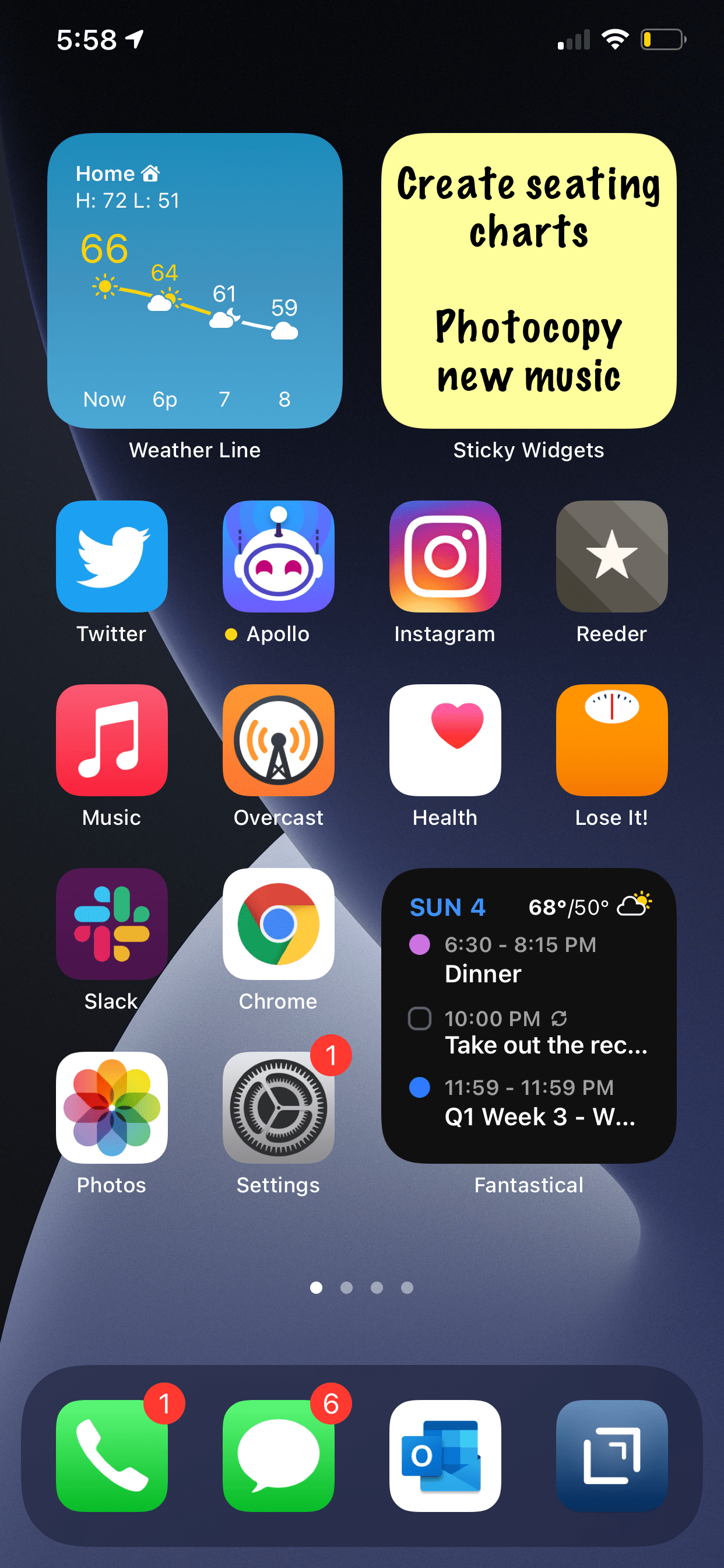
  • putting widgets with charts that show a view of my day in OmniFocus on the Home Screen of my iPhone

My thanks to Tim Stringer for his invitation and for his inspiring work with Learn OmniFocus and for inviting me to join!

Learn OmniFocus is a great website, resource, and community dedicated to empowering people to be more mindful and productive. The app OmniFocus is at the center of it but there is so much more to it than that, including productivity basics, apps, and services that compliment one another. Be sure to check it out here and become a member here. There are educator discounts!