

This post now features a complimentary podcast episode. Listen and subscribe!
Earlier this year, I wrote a guest post for the Club MacStories newsletter showing off all the technology on my desk. With permission from the editors, I am cross-posting that below.

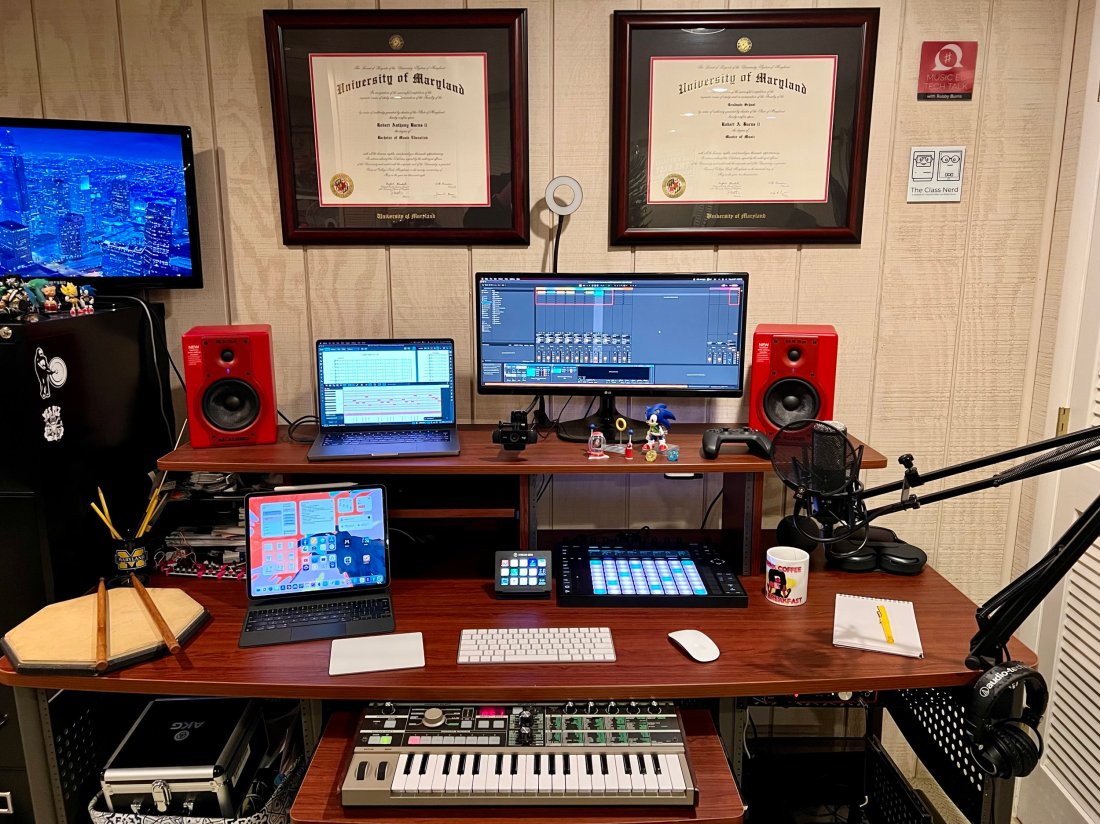
This desk is in my home music studio in Maryland. I run a private percussion teaching studio out of this space and produce my blog/podcast Music Ed Tech Talk.

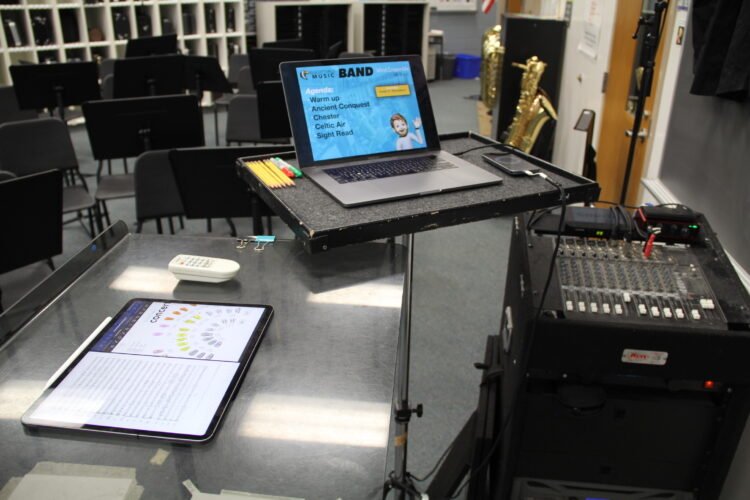
My 14″ MacBook Pro is the core of my computing life. It goes with me everywhere, from this desk to my day job as a middle school band director. I teach out of four different classrooms. USB-C hubs at all of my desks allow me to have distinctive hardware setups specific to each room while maintaining continuity through the consistency of my macOS settings and apps.
My secondary monitor is an LG Ultra Wide. I don’t love it. I originally got it as a cheap way to interact with my Mac mini (dominantly used to serve up Plex content and run a Homebridge server.) I have phased out the Mac mini and hope to one day replace this monitor with something nicer now that it is used with the MacBook.

When my school district moved to virtual learning last year, I wanted to upgrade my webcam. The Logitech C920 was one of the most popular options I was coming across, and it hasn’t let me down yet. I have a snake arm from Amazon (link) that allows me to easily adjust the angle of the camera and the ring light behind it. The arm can bend the camera down to face the surface of my desk and show what my hands are doing during virtual classes, presentations, and live streams.

These M-Audio BX5a monitors were on sale ten years ago, presumably because red is a less popular color than black. I actually kind of like having an accent color. They sound balanced enough to reference the diverse musical projects I edit. They produce enough output for my students to jam along to recordings on drum set.
Because the studio monitors are my primary sound output, the HomePod mini is used mainly for controlling Siri. I often ask it to turn on the baseboard heaters (with the Mysa HomeKit thermostat), the lights, and a red light outside the door to let my family know if I’m recording.

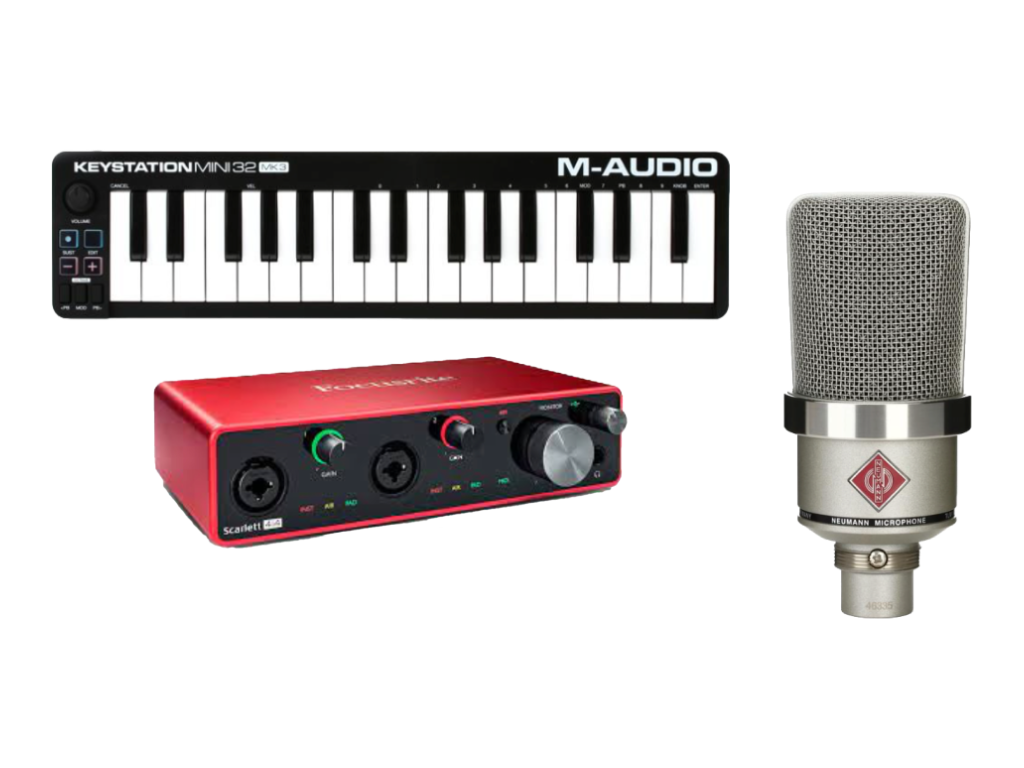
The Focusrite Scarlet 6i6 is my current audio interface. It has just enough ins and outs to plug my MIDI and audio input devices into my computer while outputting sound to the studio monitors. I don’t currently do any fancy recording down here beyond my podcast and student audition tapes (which only require stereo recording).

The AKG P420 is my favorite mic for generalized recording in its price range. It’s a resonant and balanced condenser microphone. I honestly think it compares to some microphones up to double the price. I use it primarily for virtual class, presentations, podcasting, and in a pair to record student audition tapes in stereo.
My Audio Technica headphones are pretty old and junky (I couldn’t even find a link to this model online), but their long life speaks to the quality of AT’s gear. I sometimes plug my AirPods Max into the Scarlet if I am already wearing them.

My Lamy Safari Fountain Pen and Rhodia notebook are my entry point into the world of better-than-average writing tools, and I am open to learning more!

I love the feel and simplicity of Apple’s Magic Keyboard, Trackpad, and Mouse. It took some time to learn to use the trackpad on the left. Still, it gives me a powerful workflow where I can quickly make refined edits in audio software by zooming in and out of the project with my left hand while precisely manipulating content with the mouse.

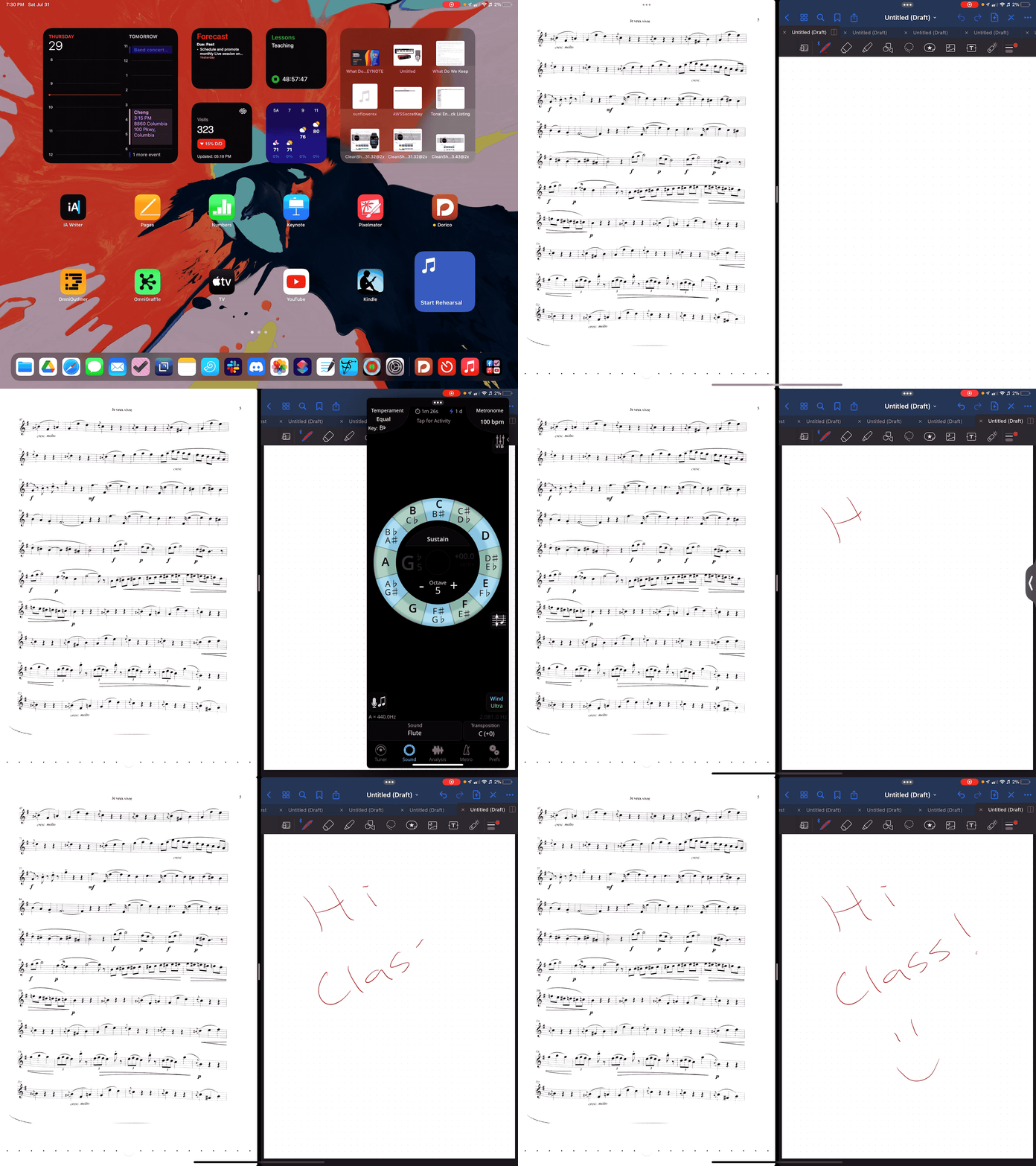
I love my 12.9″ iPad Pro! Sometimes I use it as a laptop at home and work. In my studio, I usually rip off the tablet and read full-sized sheet music on it using the forScore app. I also depend on the Tonal Energy Tuner, which is the most powerful app of its kind on the App Store and does not currently have a Mac version.

My Ableton Push 2 works primarily as a control surface for Ableton Live. It is a new addition, and I am overwhelmed by its potential. Ableton Live is a very advanced application, and the Push allows you to control almost all of its features with tactile, performable knobs and buttons. It makes the software feel like an instrument. You can use it to record note input, manage the tempo, trigger loops, edit samples, and more!

I play with music production for fun, but I also use the Push as a supercharged metronome when teaching private students. It allows me to get my eyes off the computer screen and focus more on the teaching because all the buttons can manipulate the app even when it isn’t in the foreground.

I use a Stream Deck for all the same reasons MacStories readers might find it useful- live streaming, Shortcuts, and other automation. I also use it to navigate the deep menus and feature sets of Dorico, a music notation application.

Notation Central has pre-built Stream Deck profiles for major music notation apps available on their website (link).

The MicroKorg is a fun little synth that can be highly programmed to produce absolutely otherworldly audio. I also use it for MIDI note entry in digital audio workstations and music notation apps.

My electronic reference piano is a Korg Concert C-150, which I also use for MIDI note input. It’s an electric upright piano from the 80s with the legs chopped off. A high school was going to throw it away in the early 2000s before I asked if I could have it instead. I like it because it has a flat surface for putting stuff on (like other keyboards).
On top of the Korg is a Roland Octopad SPD-30. This is a great electronic drum sampler. It has an excellent library of its sounds and can trigger note input in music software using my most comfortable input method (drum sticks).
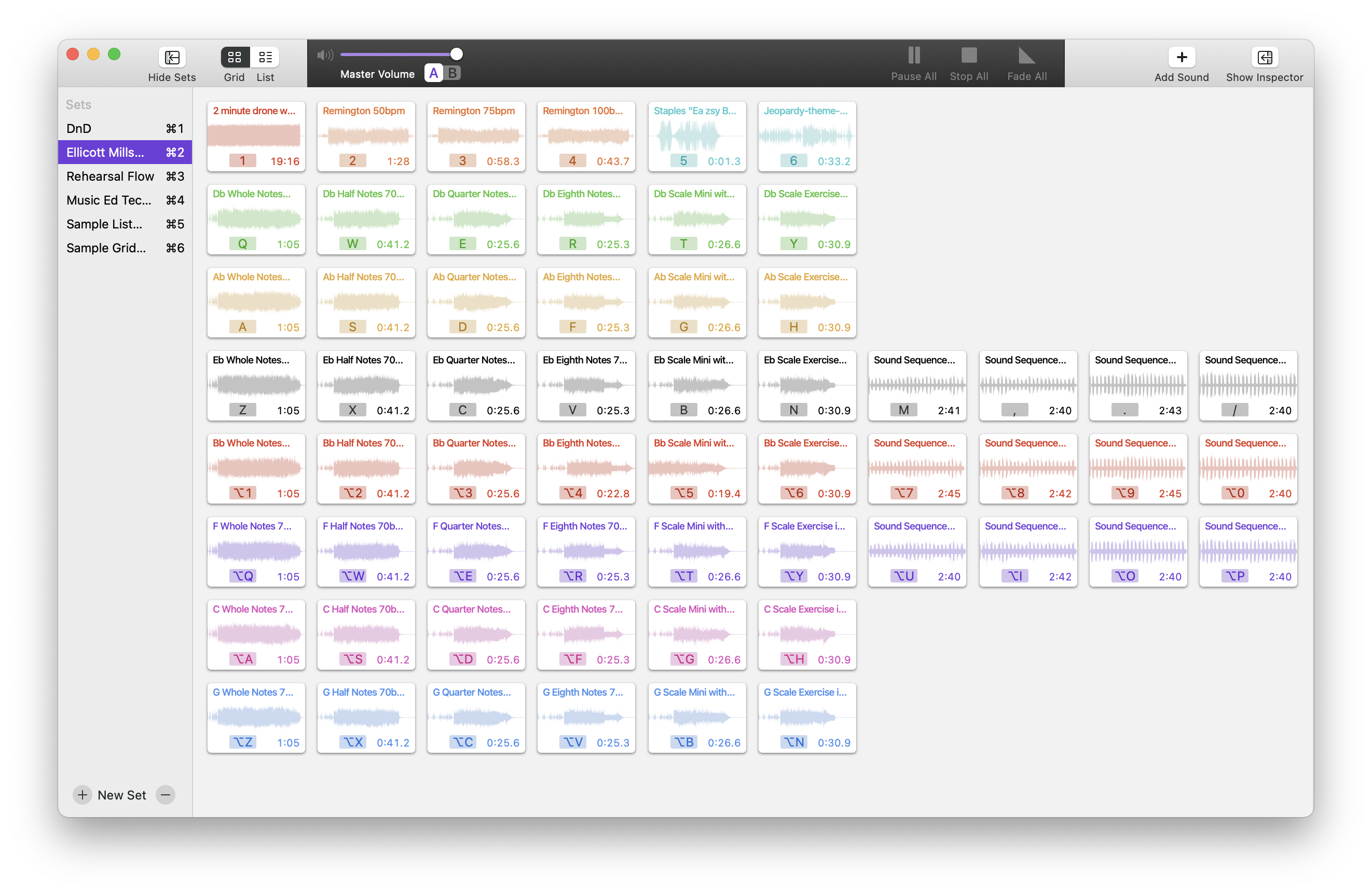
Next to the Octopad is my Yamaha Harmony Director. It’s a keyboard that plays sustained tuning drones and can easily switch between different tuning systems. The drones can be played through speakers, or in my case, be used to create play-along practice material for students (link).
Apple TV. I wish I could say I use this for something other than playing Sonic the Hedgehog while my kid naps.
Instruments! The desk is a fun command station, but it’s really only the hub of my digital productivity and creativity. The real bread and butter of my professional life are the instruments I play and teach. Depicted here are my vibraphone, marimba, timpani, drum sets, snare drum, wind instruments, and other fun!








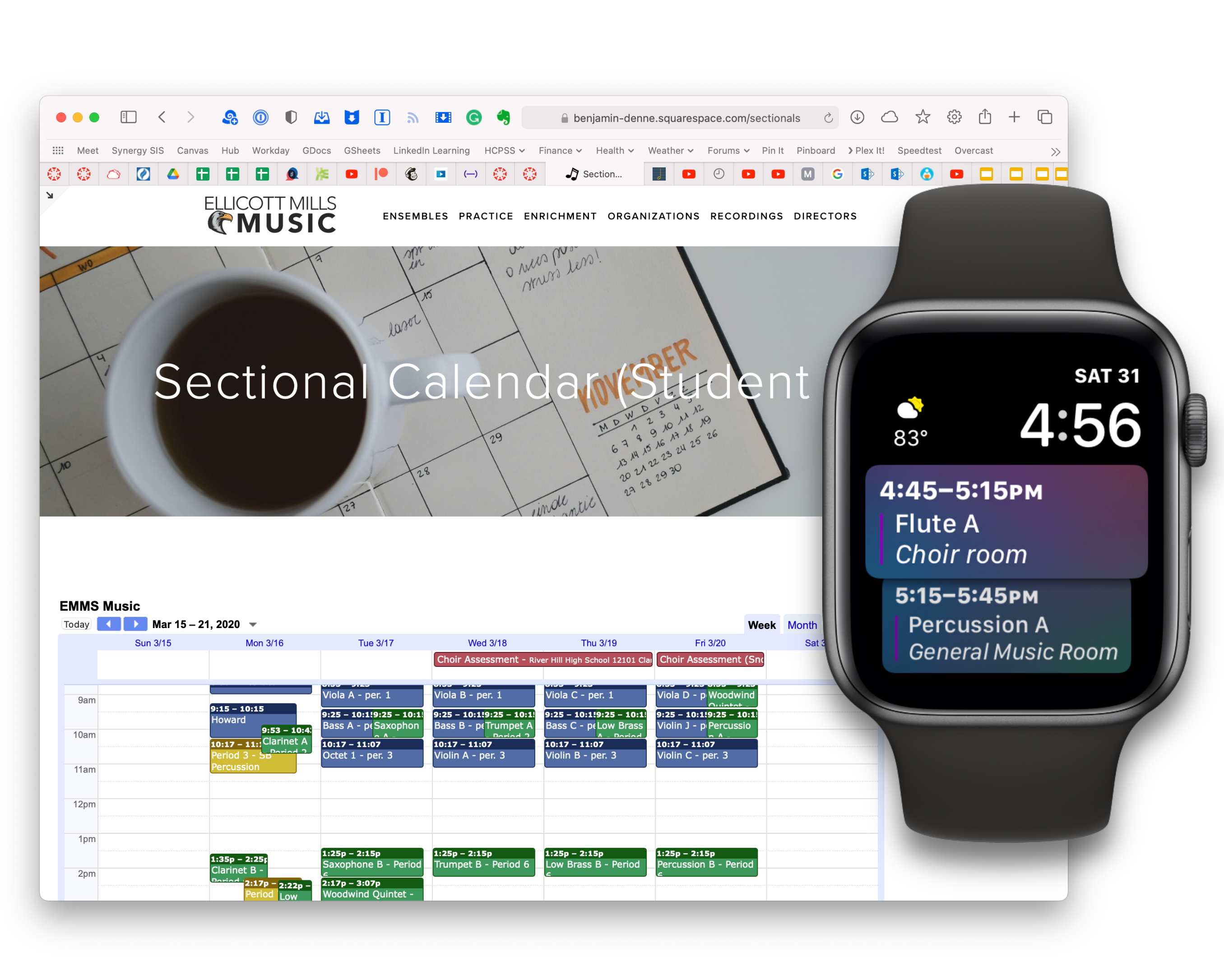





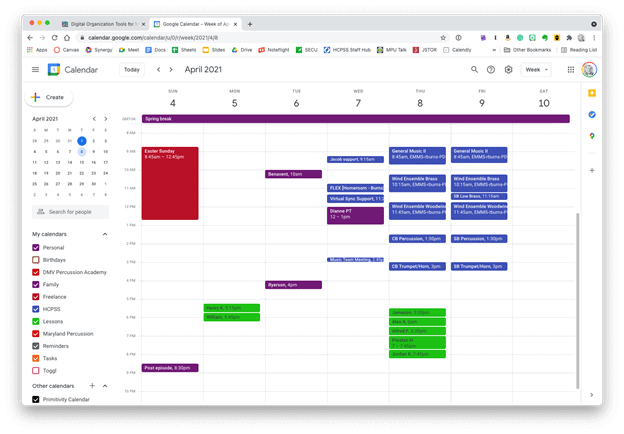 Google Calendar works perfectly fine for most needs. It is available to anyone for free on the web and has a functional mobile app on most smartphone platforms.
 Apple Calendar and Microsoft Outlook are two of the most widely used calendar apps on desktop and mobile operating systems. Either of them can handle calendars from Google, iCloud, or Exchange accounts and show them all alongside one another.
 Natural language input is not only fast, but you can set a keyboard shortcut on your computer to invoke a mini-calendar for quickly adding events.
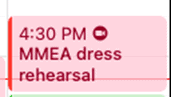 This event was shared with me and has a Zoom call URL associated with it. Fantastical automatically added the Zoom icon so that I can click on it to immediately enter the call.
 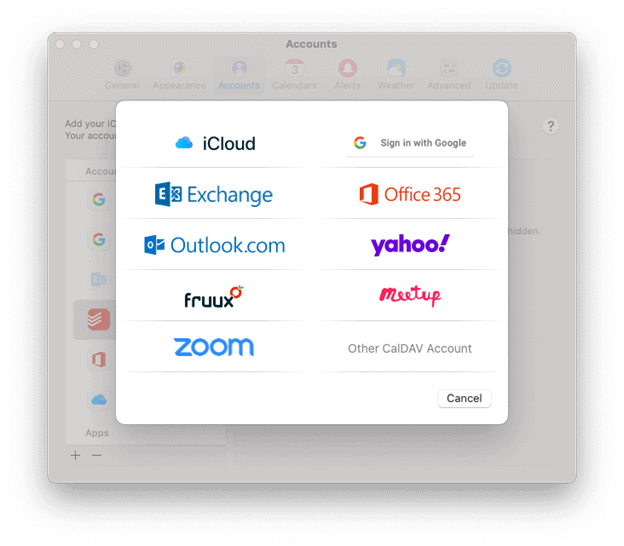 Fantastical integrates with all of these services.
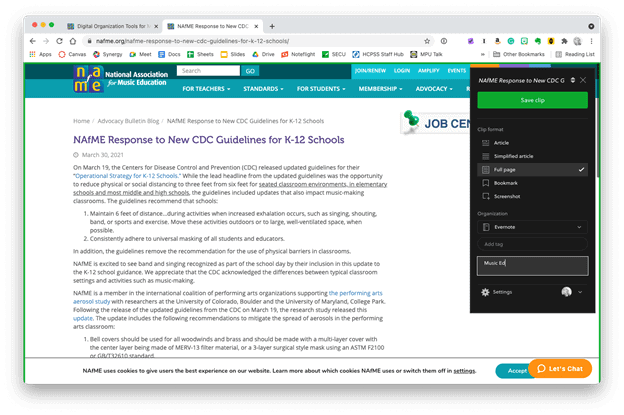 The Evernote web clipper can be installed as an extension or from the share-sheet on mobile devices. You can choose how it will save the content, and even categorize it with tags and a memo before clipping.
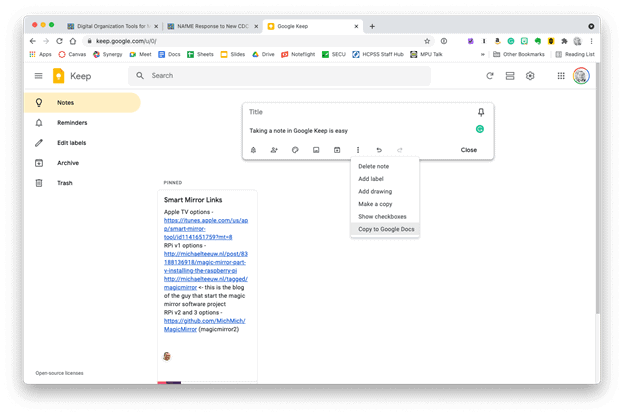 Google Keep is simple, but it provides plenty of features. Notes can be turned into reminders, Google Docs, or shared with others.



 The user interface of MindNode.
 Dragging around nodes is buttery smooth.
 MindNode’s outline mode, clip art, and design editing tools.
 One of the many things I use a journal for is for reflecting on each rehearsal and deciding where I want my focus to be in the following class.
  Organizing DayOne entries by image, calendar, event, and other media types.
 The OmniFocus Forecast view shows me only the tasks that are relevant to a selected day.
 The OmniFocus Inbox.
 Organizing Tasks by Project.
 Todoist Project Collaboration.
 Music Ed Tech Talk
You must be logged in to post a comment.