

Dr. Cory Meals joins the show to talk about building a second brain, personal knowledge management apps, and how to keep it all together!
Subscribe to the Blog…
RSS | Email Newsletter
Subscribe to the Podcast in…
Apple Podcasts | Overcast | Castro | Spotify | RSS
Support Music Ed Tech Talk
.bmc-button img{height: 34px !important;width: 35px !important;margin-bottom: 1px !important;box-shadow: none !important;border: none !important;vertical-align: middle !important;}.bmc-button{padding: 7px 15px 7px 10px !important;line-height: 35px !important;height:51px !important;text-decoration: none !important;display:inline-flex !important;color:#ffffff !important;background-color:#000000 !important;border-radius: 5px !important;border: 1px solid transparent !important;padding: 7px 15px 7px 10px !important;font-size: 20px !important;letter-spacing:0.6px !important;box-shadow: 0px 1px 2px rgba(190, 190, 190, 0.5) !important;-webkit-box-shadow: 0px 1px 2px 2px rgba(190, 190, 190, 0.5) !important;margin: 0 auto !important;font-family:'Arial', cursive !important;-webkit-box-sizing: border-box !important;box-sizing: border-box !important;}.bmc-button:hover, .bmc-button:active, .bmc-button:focus {-webkit-box-shadow: 0px 1px 2px 2px rgba(190, 190, 190, 0.5) !important;text-decoration: none !important;box-shadow: 0px 1px 2px 2px rgba(190, 190, 190, 0.5) !important;opacity: 0.85 !important;color:#ffffff !important;} Buy me a coffee
Thanks to my sponsors this month, Scale Exercise Play-Along Tracks.
Show Notes:
- Slide deck from Cory’s Building a Second (Music Teacher) Brain Session at TMEA
- A Second (Music Teacher Brain) – Resources from the “Building a Second (Music Teacher) Brain” Session | TMEA 2022
- Book: Building a Second Brain: A Proven Method to Organize Your Digital Life and Unlock Your Creative Potential
- Evernote
- Notion
- Readwise
- Airr – Podcast App
- Craft
- Roam Research
- Obsidian
- Athens
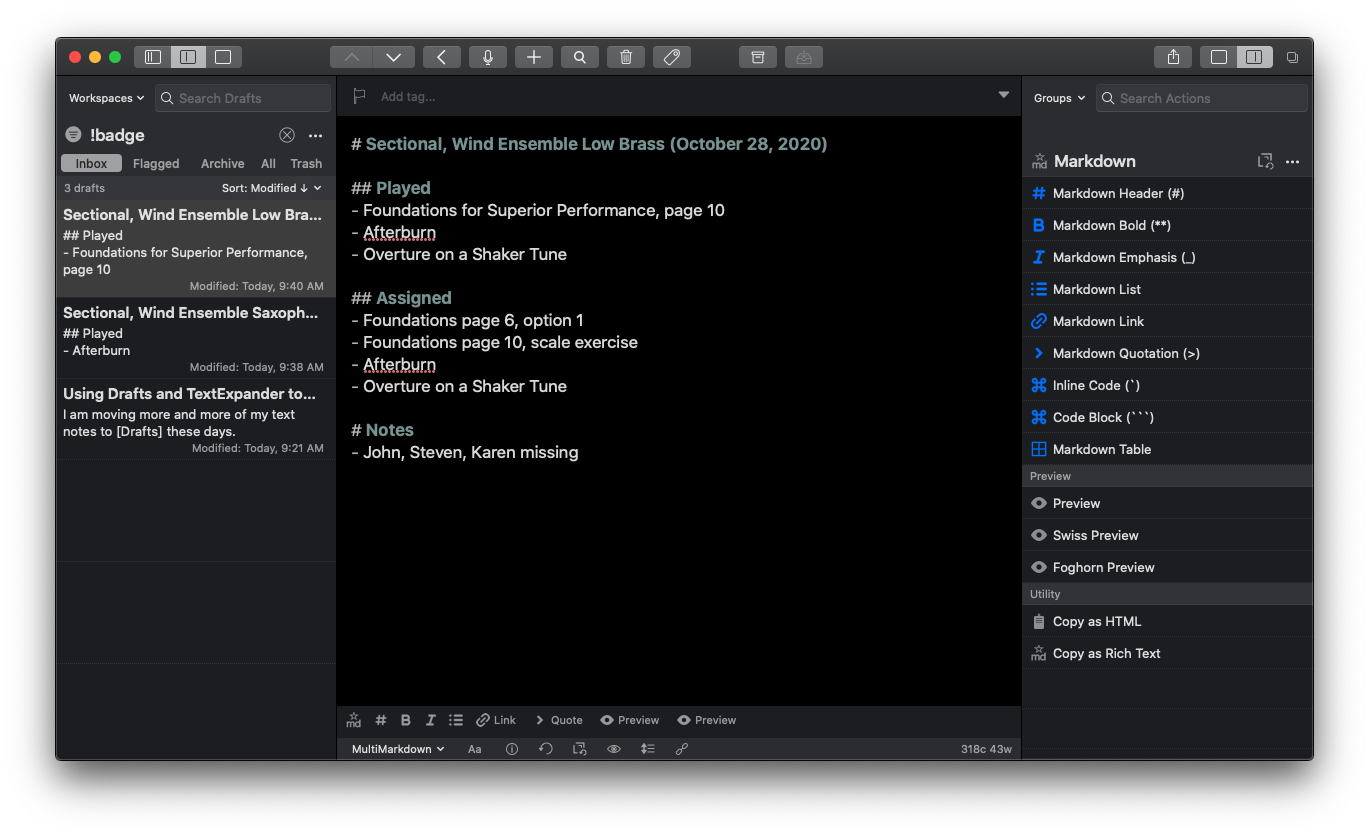
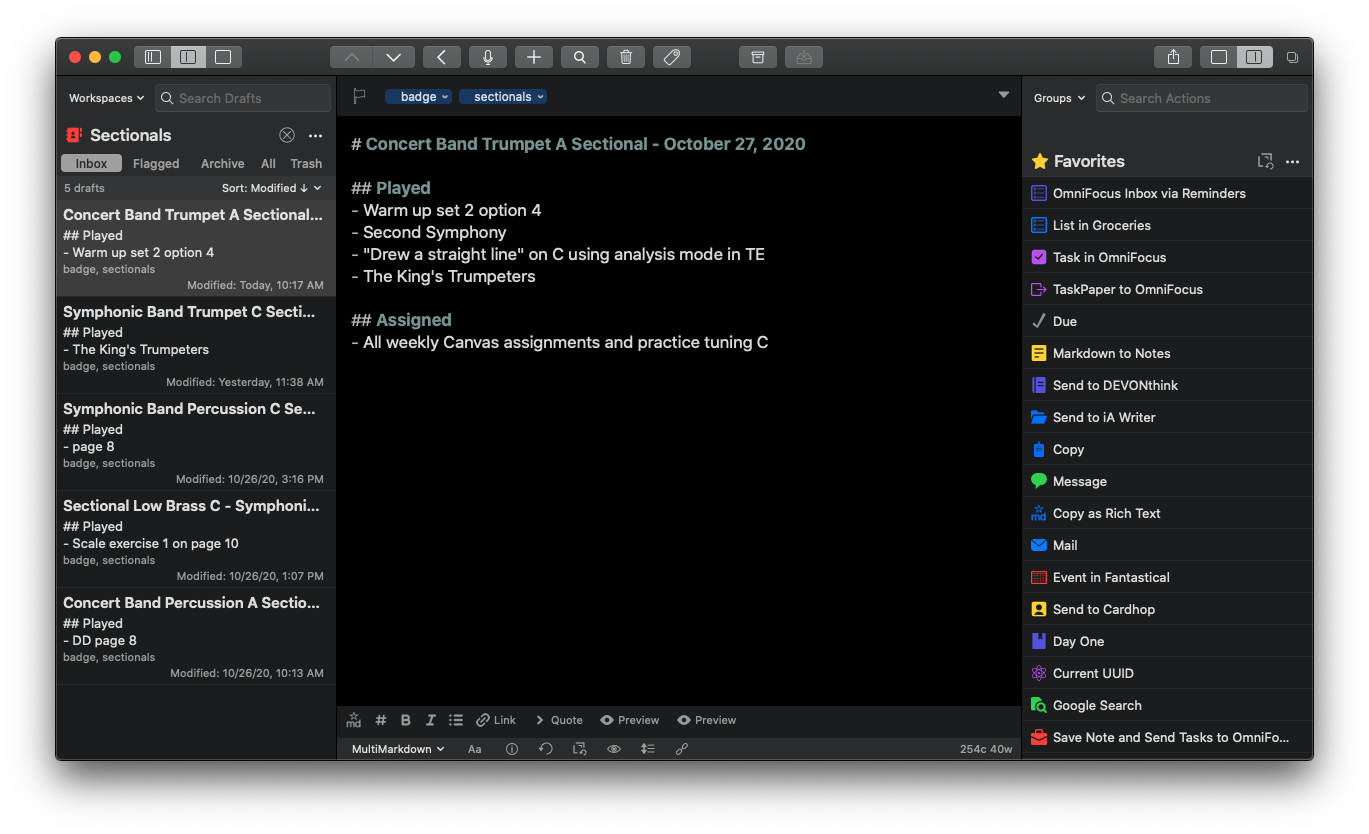
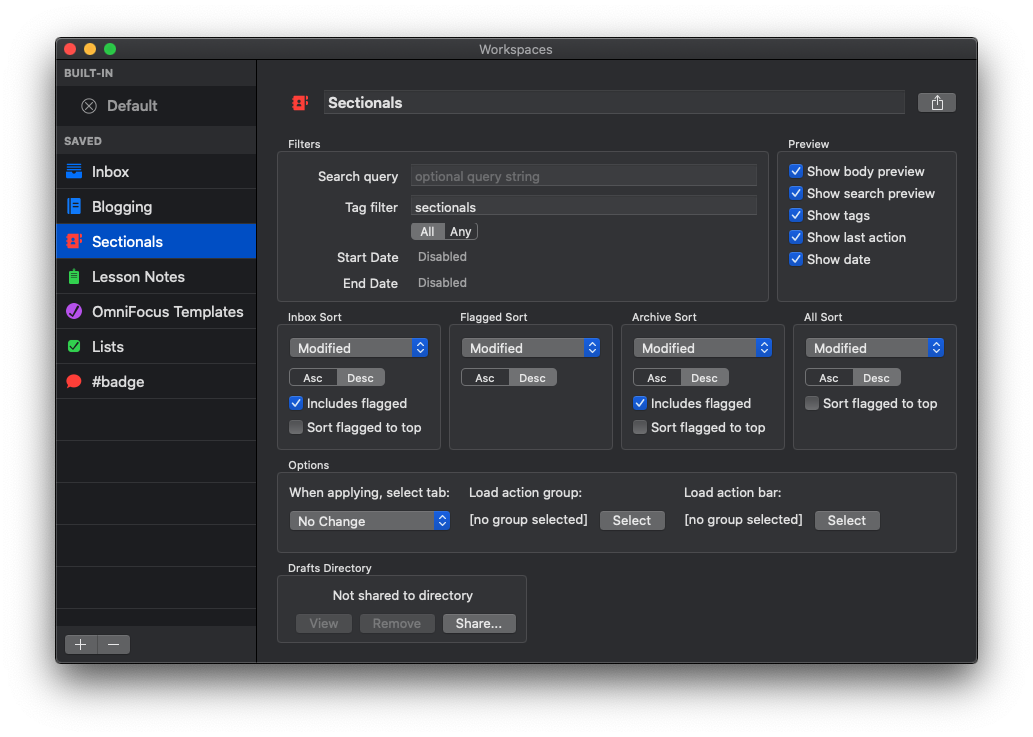
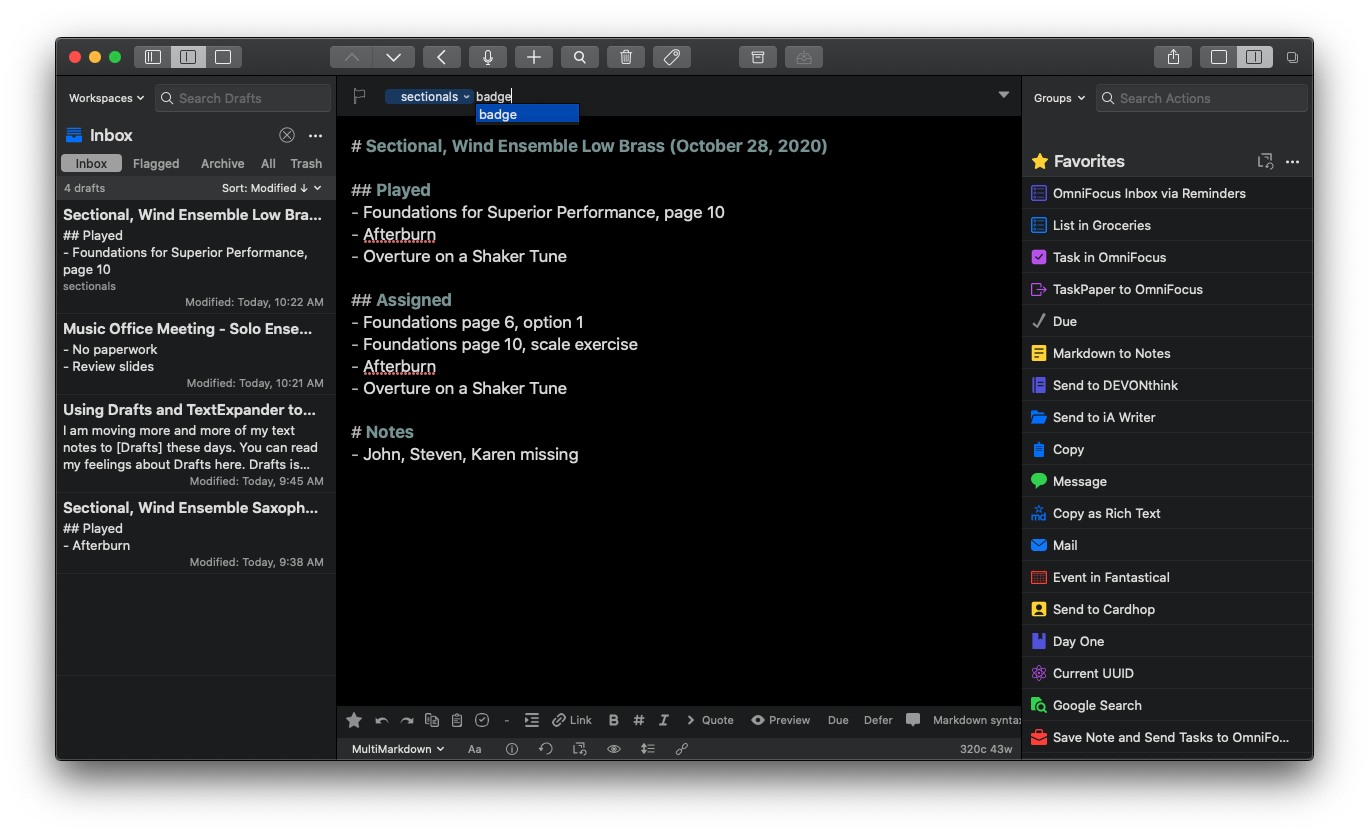
- Drafts
- DEVONthink
- Craft for Music Educators – podcast episode with Dr. David MacDonald
- Get Organized Digitally! – podcast episode with Dr. Frank Buck
- Pass the Baton – podcast episode featuring Theresa Hoover
- Apps for Research and Remembering – podcast episode with Dr. David MacDonald
- Designing Curriculum and Assessing Students With Filemaker – podcast episode with Ben Denne
- Communication and Collaboration Apps for Music Teams – podcast episode with Ben Denne
- Articles from MacStories.net to help get set up with Obsidian:
- Overcast – Free, simple, award-winning podcast player for iPhone, iPad, and Apple Watch.
- Eliminating Canvas Stress by Writing Content in Markdown – my blog post that explains Markdown
- Deckset – app that designs your slides, so you can focus on your ideas
- Obsidian – Discord community and forum
- Taking Notes with Drafts – podcast episode featuring developer Greg Pierce
- Steinberg Summer Sale
- Poolsuite.fm
- Playdate
Other Recommendations from Cory, not mentioned in the episode:
- Work Clean: The life-changing power of mise-en-place to organize your life, work, and mind
- Tiago Forte Interviews Dan Charnas
App of the Week:
- Robby – OnTheWay
- Cory – Carrot Weather
Music of the Week:
- Robby – Poolsuite Mix Tapes | Poolside – Low Season
- Cory – MUETE – Slow Loris | Ak Dan Chil (ADG7) – Yeong Jeong Geo Ri (Live on KEXP)
Where to Find Us:
Please don’t forget to rate the show and share it with others!
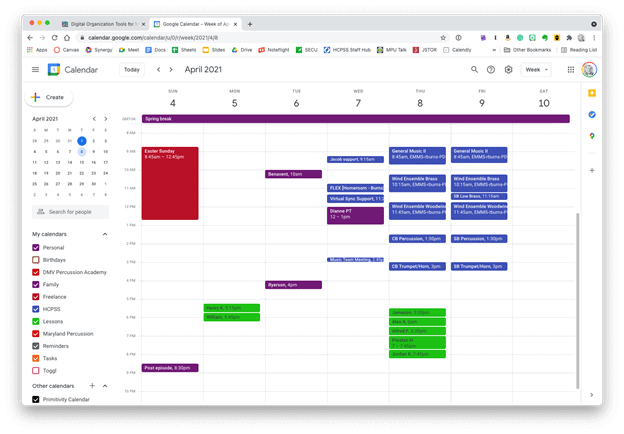 Google Calendar works perfectly fine for most needs. It is available to anyone for free on the web and has a functional mobile app on most smartphone platforms.
 Apple Calendar and Microsoft Outlook are two of the most widely used calendar apps on desktop and mobile operating systems. Either of them can handle calendars from Google, iCloud, or Exchange accounts and show them all alongside one another.
 Natural language input is not only fast, but you can set a keyboard shortcut on your computer to invoke a mini-calendar for quickly adding events.
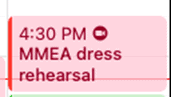 This event was shared with me and has a Zoom call URL associated with it. Fantastical automatically added the Zoom icon so that I can click on it to immediately enter the call.
 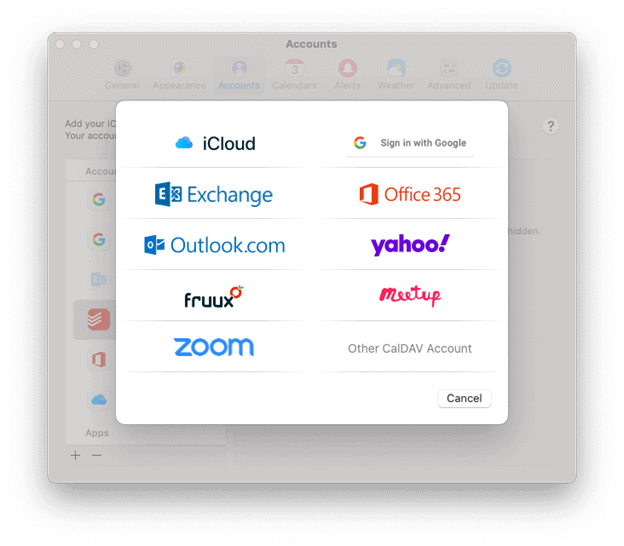 Fantastical integrates with all of these services.
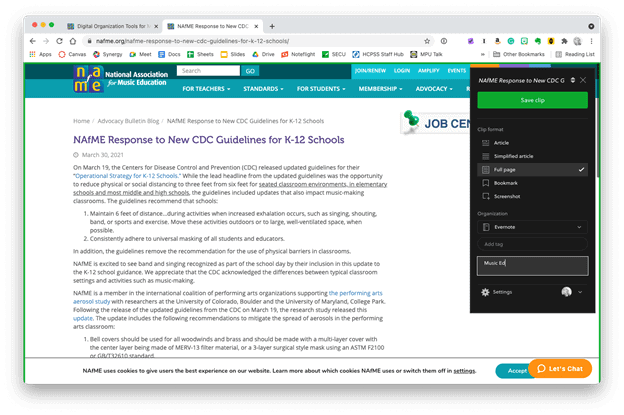 The Evernote web clipper can be installed as an extension or from the share-sheet on mobile devices. You can choose how it will save the content, and even categorize it with tags and a memo before clipping.
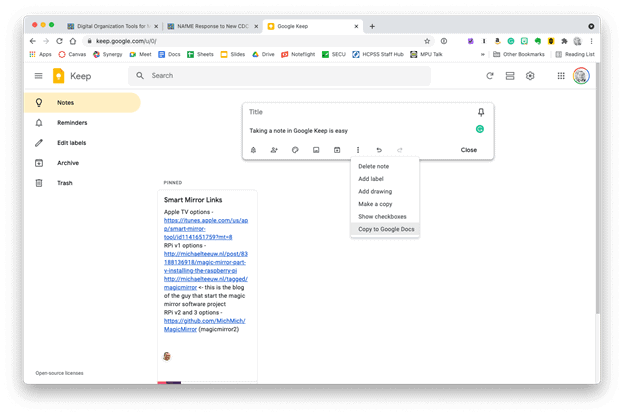 Google Keep is simple, but it provides plenty of features. Notes can be turned into reminders, Google Docs, or shared with others.




 Music Ed Tech Talk
You must be logged in to post a comment.