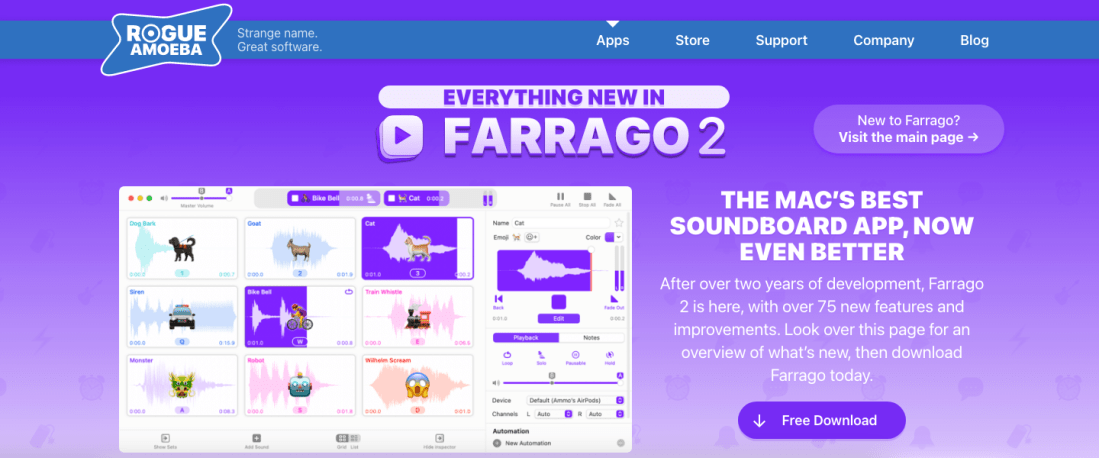
Of all my favorite apps, Farrago is often one that my other colleagues instantly get the appeal of because of its colorful user interface, which depicts a grid of audio blocks.
Farrago has become the default way that I play soundbites, audio recordings, and practice tracks tracks for my band students. I have organized my Scale Exercise Play-Along Tracks into a grid of color-coded exercises (organized by circle of fifths). I used to use iTunes for this, but the grid of squares is so much easier to navigate and operate during a busy rehearsal.
I have been beta testing Farrago 2 for months now and I am thrilled to say that it takes all of my workflows to the next level and even introduces new workflow possibilities that elevate my teaching.
Farrago 2 introduces numerous improvements and feature updates, which you can read about here.
My favorites are the integration with FreeSounds.org, Shortcuts, and Stream Deck. Watch the video below to see these features in action.
Learn more about Rogue Amoeba’s awesome apps on the podcast episode below.
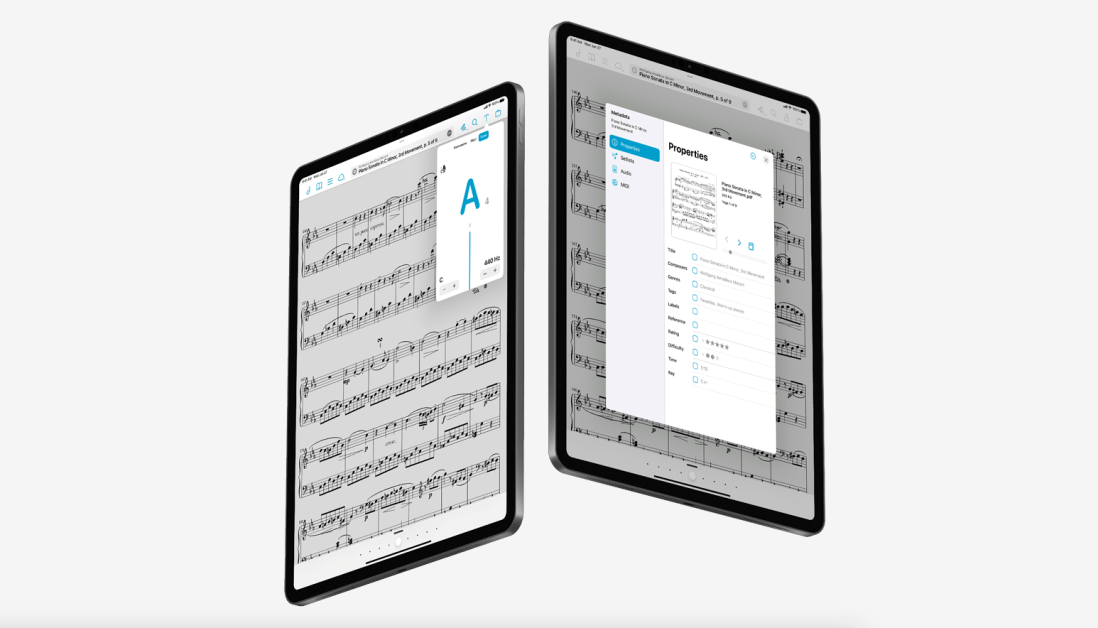
forScore 14 came out last month. It is an awesome release which includes updates to the metadata panel, tuner, Apple Pencil support, and other redesigned user interface elements. You can read about all the details here.
My favorite feture in this update is called Automation Links. The feature allows you to copy a link to a score (or a page within a score) to your clipboard and paste it somewhere else. This kind of deep linking has become a core part of my productivity workflow over the years. Most of my productivity tools offer a shortcut like this, and it is so awesome to see the feature added to one of my more musically specific apps.
Watch the video below to see the feature in action along with two demos of how I use the feature to teach music more efficiently.
Note: Automation Links are a paid forScore Pro feature.
Last week I mused on Twitter about the subject of teaching harmony to middle school students.
In the opening Tweet of that thread, I shared a project idea for my middle school General Music II class and provided a sample of student work. Be sure to read the whole thread for more context.
🧵I am doing remix assignments in @Soundtrap with my middle school General Music II class. They submit songs, vote on them, and then I extract the vocal line and make a template with the tempo/key matched so that the loops sound decent. Here is a recent student submission: pic.twitter.com/D52vahdNDa
If I don’t have the track, I use Downie or ViDL to download it from YouTube as an mp3.
For the vocal track, I am using Neural Mix Pro, which allows you to import any song and separate the voice, drums, and other accompaniment parts separately from one another. The results aren’t perfect, but they are beyond acceptable for a project like this.
Once I turn down the drums/accompaniment, I export the resulting sound as a new file on my computer. On export, Neural Mix will tell you the key and BPM of the exported track. If the song is something awkward like 83.6 BPM, you can tell it to export at something sane like, 84 BPM and Neural Mix will adjust the final file accordingly.
Neural Mix isn’t cheap. It’s 50 dollars. But it does the job quickly and reliably while offering the user good control over the results. If you do not have access to something like this, there are tons of places you can find isolated vocal stems, like for example, the reddit community r/IsolatedVocals
In Soundtrap, I set the project up using my district’s LMS, Canvas. If you are using an LMS, you should be able to create an assignment and have it link out to Soundtrap as an “external tool.” If you can do this, you can create a template in Soundtrap that will already be set up for your students when they click the link.
When I set up this template, I set the project’s key and tempo to match that of my exported file from Neural Mix. I drag the vocal-only track I exported from Neural Mix from my desktop into Soundtrap and it automatically makes a new audio track for me. Once the vocal track is imported, I have to slide it around left and right until the first measure of the song lands precisely on beat one. If the vocal part has an introduction or pickup note, you will need to consider that and make sure to tell your students that the loop accompaniment starts on a different measure than one.
<div class="
      image-block-outer-wrapper
      layout-caption-below
      design-layout-inline
      combination-animation-none
      individual-animation-none
      individual-text-animation-none
    ">


    <figure class="
          sqs-block-image-figure
          intrinsic
        " style="max-width:1552px">


      <div class="image-block-wrapper">
        <div class="sqs-image-shape-container-element


          has-aspect-ratio
        " style="position: relative;padding-bottom:63.595359802246094%;overflow: hidden">


            <img src="https://images.squarespace-cdn.com/content/v1/5595df9ce4b0ce9ff9ecd1a8/1618764920479-LAYLVV0VVIEQJ821EH29/CleanShot+2021-04-18+at+12.42.21%402x.png" alt="Set your project key and tempo to match the song." width="1552" height="987" style="display:block;object-fit: cover;width: 100%;height: 100%;object-position: 50% 50%" loading="lazy">

        </div>
      </div>


      <figcaption class="image-caption-wrapper">
        <div class="image-caption"><p class="">Set your project key and tempo to match the song.</p></div>
      </figcaption>


    </figure>


</div>
Once this is set up correctly, save the results. When choosing Soundtrap as the external tool for your LMS assignment, a mini Soundtrap shows up within your LMS (or at least it does in Canvas), and you can navigate to your pre-made template. Having the tempo and key preset for them ensures that the loops all sound mostly decent. It is still possible to wreak chaos, but it is enough structure that some of the loops will end up sounding pleasant.
There is a video at the top of this post covering everything I just explained. Hope it helps.
Speaking of live video, here is the video from my Facebook Live with David MacDonald last Sunday. In the video, we discuss apps and gadgets we are using to teach virtually. Watch on Facebook here or in the embedded video below.
I have been meaning to write about “what I have been doing for online learning” since the fall.
This has proven difficult for many reasons, mostly that there is a lot I have been doing and it is all interconnected.
Generally, my planning and technology use has fallen into two categories.
Tech that supports synchronous classes (via Zoom/Google Meet/etc.)
Tech that supports the asynchronous work (via LMS, cloud-based and student-facing software, etc.)
Fortunately, I was invited to present at two music conferences this year, MMEA and TMEA, and each of my accepted sessions has serendipitously aligned with each of those areas.
This presentation in the video above is an overview of the asynchronous part. In other words, how I am keeping my virtual instruction focused on playing instruments solo, through student-facing tools like Noteflight, Soundtrap, Flipgrid, and a handful of iOS utility apps.
These strategies were developed while I was teaching virtually but they can just as easily be used in a hybrid or in-person teaching model. I would argue that they are just as valuable in either of those environments.
This presentation was first given at TMEA on Saturday, February 14th, 2021.
Watch my “How to Make a Virtual Ensemble” videohere.
At the end of last spring I posted three virtual ensemble videos of my Ellicott Mills Middle School students performing concert literature we would have otherwise played on a concert.
While concert literature has had a very diminished role in my teaching this school year, my students found playing this music on our Google Meets (on mute) very engaging.
Our ensembles chose to record one piece each and I edited them into the following two videos. I am very proud of their hard work this year. A majority of the students in these ensembles have only had a year or two of in-person instruction.
Credit to my amazing colleague, Nicole Sobel, who taught all of the woodwinds last semester. Usually, I teach the Concert Band and she teaches the Symphonic Band, but due to some scheduling changes to this school year, we thought it would be best for these ensembles to be broken up by instrument instead.
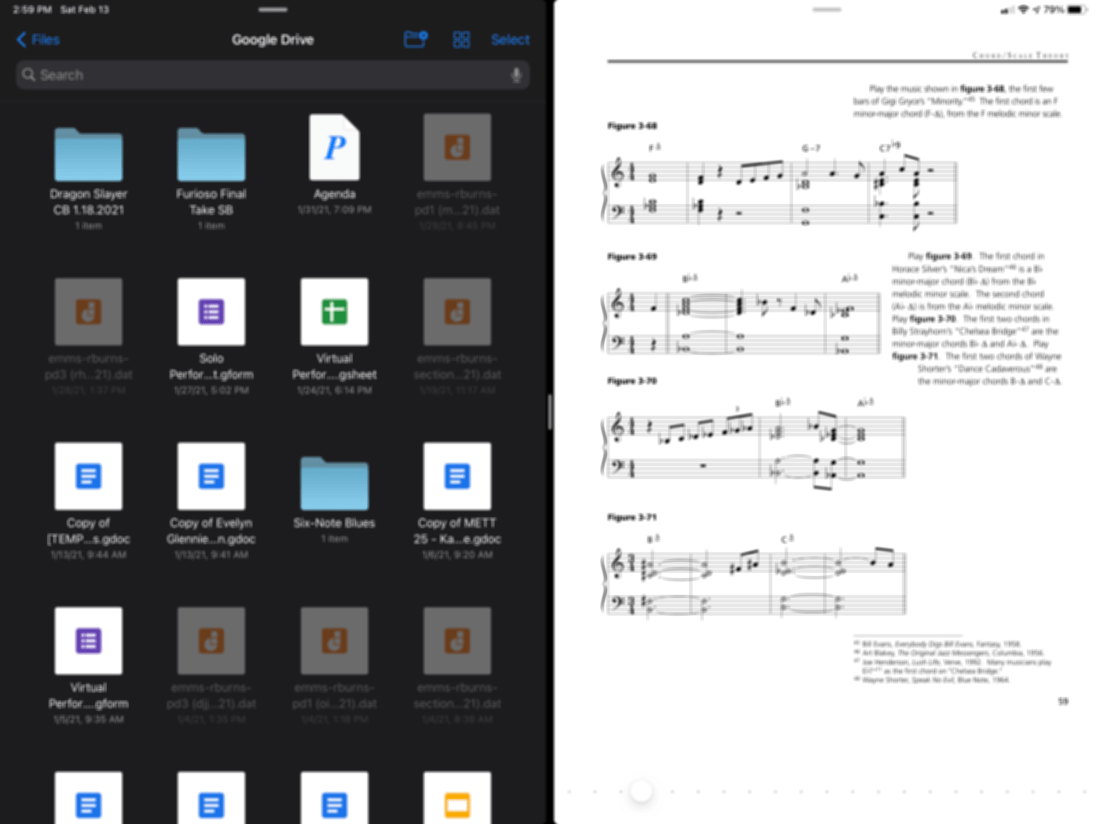
Sometimes I get asked the fastest way to import music into forScore on iPad. Most of my colleagues store their music in Dropbox or Google Drive so I made a video showing off how you can drag PDFs directly from one of these services into forScore by using the Files app and forScore in split-view.
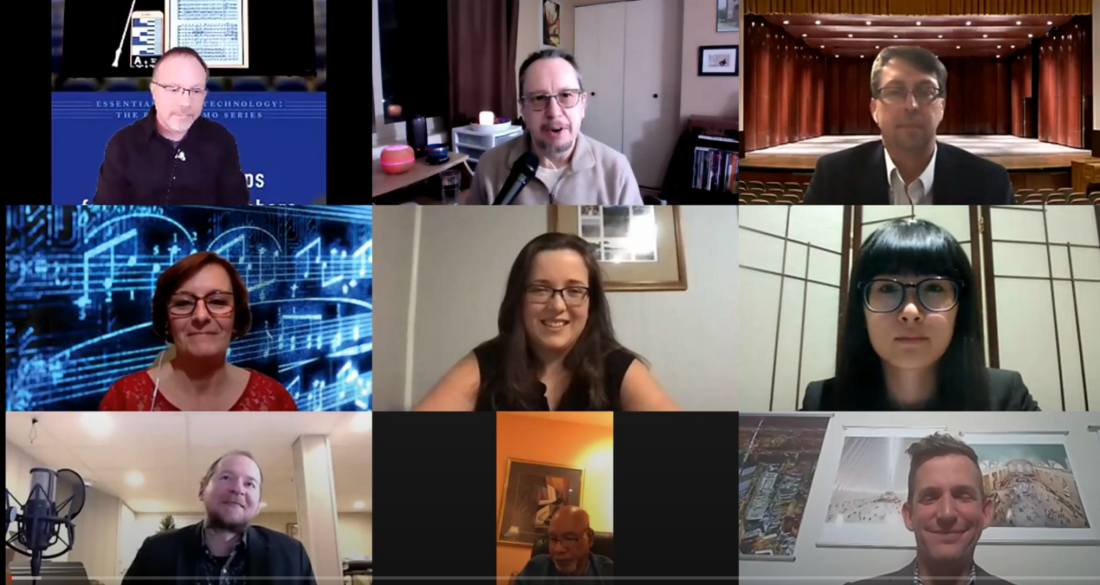
Below you can watch Tech Tips You Can Use Tomorrow, a round table of authors from the Prestissimo Series of music technology books by Oxford University Press. This presentation was given at the Texas Music Educators Association this past Wednesday.
The idea behind this video is that, like our books, you will be able to quickly spend a moment with it and take away at least one thing you could use technology for in your job tomorrow.
****You can currently use coupon code TIMEORG20 for a 20% discount off the books (including mine) at the web site (https://bit.ly/3p5HndG)
The school year is finally over, as is my first ever quarter of online teaching.
I wanted my students to end the year seeing themselves represented together, playing the same music, at the same time. So I sharpened my Final Cut skills and dove into the process of making a virtual ensemble.
The video in this post gives an overview of my process for making these videos, all the way from making a play along track, to advanced editing such as pitch and rhythm correction. The video includes a couple of my favorite Mac utilities for manipulating audio and video files. Scroll to the bottom to see all of the final videos of my students.






 Music Ed Tech Talk
You must be logged in to post a comment.